Using AI to Plan a Family Trip Itinerary
How to use an AI trip planner for families: what to tell it about ages, naps, meals, strollers and budget, what to check, and a sample Rome plan with kids.

On this page
An AI trip planner for families works well when you give it the details that shape a family day: the kids' ages, nap and meal times, stroller or walking limits, budget and pace. It can turn those into a realistic draft in minutes, but it can't confirm opening days, real walking distances or children's ticket rules, so check those before you book.
Below: what to tell an AI family vacation planner, a prompt you can adapt, what a good result looks like (using the Rome sample plan Vidtrip's AI planner generated for two kids aged 8 and 11) and a checklist for the facts that matter most with children.
Why an AI trip planner for families needs more input
When an AI planner doesn't know something, it fills the gap with defaults, and the defaults are usually adult ones: early starts, long walks between sights, back-to-back museums and dinner at nine. None of that is wrong for two adults. With a four-year-old, it's a plan that falls apart by lunchtime.
The fix is to tell the tool what a family day actually looks like before it starts. Our guide to planning a family trip itinerary with kids explains the method (one morning anchor, an early lunch, a play break, one easy afternoon activity). This post is about getting an AI tool to follow it.
What to tell an AI family vacation planner
| Detail | Why it matters | How to phrase it |
|---|---|---|
| Kids' ages | Sets the pace, ticket prices and which stops make sense | "Two kids, aged 4 and 7" |
| Naps and bedtime | Protects the afternoon and the evening | "The 4-year-old naps 13:00-14:30 in a stroller; bedtime is 20:00" |
| Meal times | Hunger ends a sightseeing day faster than anything | "Lunch by 12:00, dinner by 18:30" |
| Walking and stroller | Cobbles, stairs and long walks drain small legs | "No walks over 15 minutes between stops; we have a compact stroller" |
| Budget | Shapes restaurants, taxis and paid sights | "Mid-range; show adult and child prices separately" |
| Pace | Decides how many stops fit | "Relaxed: 2-3 stops a day, counting meals" |
| Interests | Kids who care about the plan complain less | "They love boats, animals and climbing towers" |
| Diet and health | Avoids scrambling at mealtimes | "One child has a nut allergy" |
| Base and month | Changes distances, weather and crowds | "Staying in Prati, traveling in October" |
Ages are the most useful single detail. They tell the planner whether a two-hour guided tour is a highlight or a mistake, and whether a stop is free for your kids or full price. If you're unsure how full each day should be, our guide to how many stops fit in a day gives the ranges for relaxed, balanced and packed days.
A family itinerary prompt you can adapt
Plan 3 days in [city] for a family of four: two adults and kids aged [ages]. We're traveling in [month], staying in [neighborhood], on a mid-range budget. Keep the pace gentle: 3 or 4 stops a day, counting meals. The youngest naps from 13:00 to 14:30, so keep that window for a stroller walk, a park or the hotel. Lunch by 12:00, dinner by 18:30. Avoid walks longer than 15 minutes between stops and suggest a taxi or public transport instead. For each stop, give a start time, how long to stay, adult and child prices in local currency, and the travel time from the previous stop. Flag timed tickets, dress codes, stroller restrictions and closing days I should confirm. Only include places you're confident exist.
Then tighten it with follow-ups:
- "Which stops are hard with a stroller? Suggest a carrier day or an alternative."
- "Add one rainy-day backup near each day's main sight."
- "Make day two lighter and move the museum to the morning."
What a good result looks like: our Rome family plan
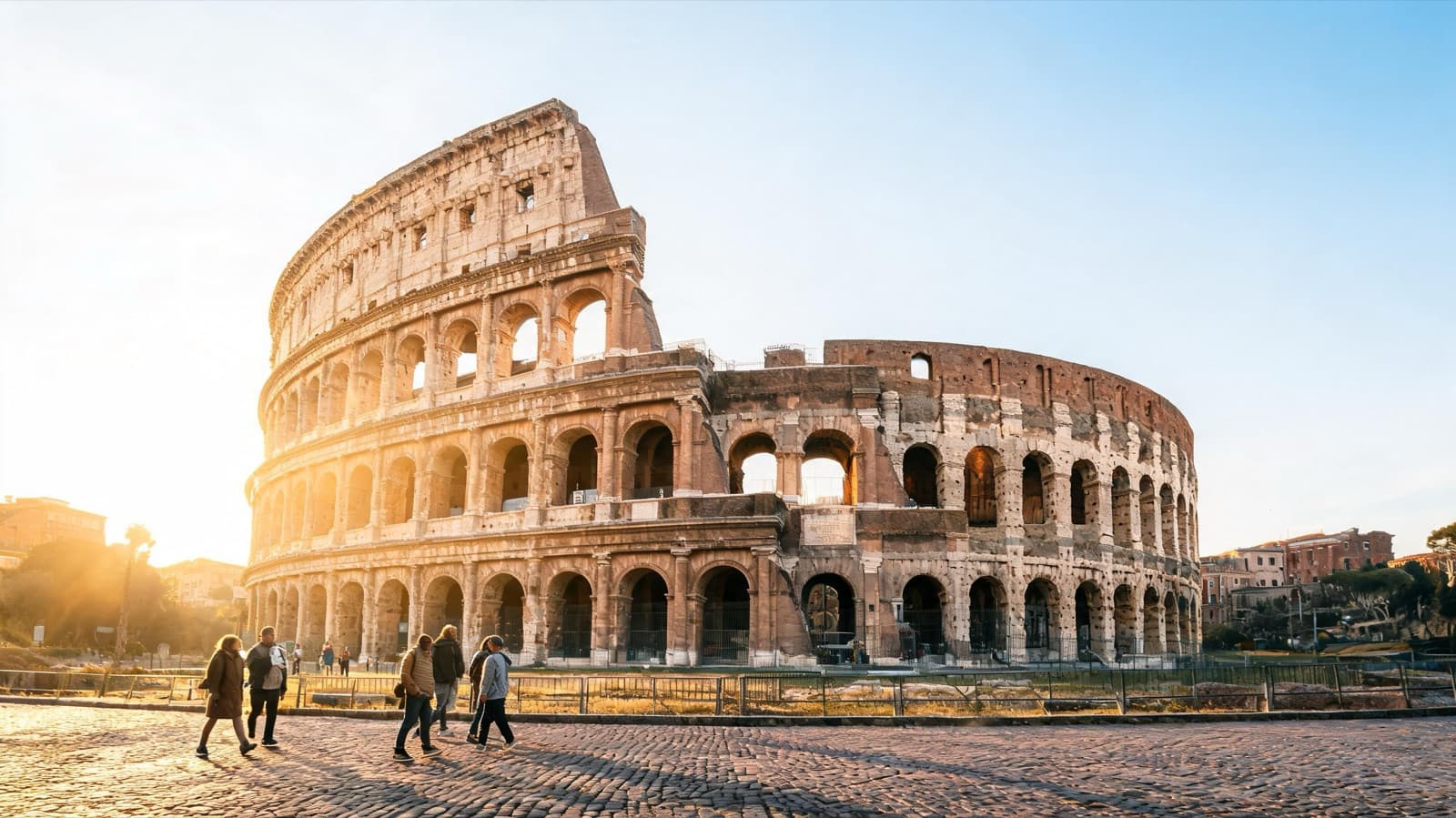
The Rome example plan was built from Happy to Wander's first-timer video for a family traveling in October on a mid-range budget, at a balanced pace, interested in culture and food. The only free-text note was: "Two kids aged 8 and 11, so avoid very long walking stretches." Here's how those answers show up in the plan:
| What the family said | What the plan did |
|---|---|
| Kids aged 8 and 11 | A guided Colosseum visit, with the underground option suggested only if the kids are enthusiastic; a child-friendly guide or audio guide for the Roman Forum; a coin toss at the Trevi Fountain |
| Avoid very long walks | Taxis between the Pantheon and the Jewish Ghetto, from the Aventine to Testaccio, and from Castel Sant'Angelo to Piazza del Popolo instead of the video's 20-minute walk |
| Balanced pace | No more than five main stops a day, with a snack, lunch or park break built in and one flexible break each afternoon |
| Mid-range budget | About €180-260 per adult per day, with meal costs listed separately for adults and children |
| Culture and food | Lunch at Armando al Pantheon, which the creator calls an exception to the rule about eating next to big sights, a trapizzino in Trastevere and a gelato rest after the Forum |
| October | Layers and a light waterproof, sun protection for open archaeological areas, and advice to reserve or eat early during October school breaks |
It also cut things that suit adults better than kids: the video's optional sunrise start, its night tour and a bar-focused finish in Trastevere. The Vatican Museums are left out because the creator says tour-group crowds make them hard to appreciate, and she wouldn't prioritize them on a three-day trip. The St. Peter's dome climb is optional because of the stairs.
Day 3 as planned
| Time | Stop | Time to allow | Approx. cost |
|---|---|---|---|
| 08:15 | St. Peter's Basilica and St. Peter's Square | 2-2.5 h | Basilica free; dome about €8-10 |
| 11:15 | Lunch in Prati | 1 h | About €15-28 per adult, €9-16 per child |
| 12:45 | Castel Sant'Angelo | 1.5 h | About €16-20 per adult; reduced child tickets |
| 15:15 | Rowboats on the Villa Borghese lake | 1.5 h | Park free; rowboat about €5-10 per boat |
| 17:15 | Terrazza del Pincio | 1-1.5 h | Free; snacks about €4-10 per person |
Notice the shape: a big anchor early, lunch away from the tourist hub, one sight with fortress-like rooms that kids enjoy, then something active outdoors and an early final dinner instead of a late tour. For every day with timestamp links to the video, read our family-paced Rome itinerary.
What to check before you trust an AI family itinerary
- Opening days for your actual dates. In the map data attached to the Rome plan, Armando al Pantheon is listed as closed on Sundays and Castel Sant'Angelo as closed on Mondays. If Day 1 falls on a Sunday or Day 3 on a Monday, those days need reshuffling.
- Closing times against the plan's times. The Giardino degli Aranci was listed as open until 6 p.m. The plan's 17:00 visit fits; pushing it later for a sunset photo might not.
- Real walking distances. Put each leg into a map app on foot. With young children, treat anything much over 15 minutes as a taxi or transit hop.
- Children's tickets. The Rome plan lists the Pantheon at about €5 per adult and says eligible children may be free or reduced, but each site sets its own age bands and proof-of-age rules. Check the official page.
- Timed entry and reservations. The creator's top tip is to book the Colosseum in advance, so the plan aims for the first morning slot. It also says to reserve Armando al Pantheon well ahead.
- Strollers, stairs and dress codes. The Rome plan warns that cobbles, steps and uneven Forum surfaces are common, so keep strollers compact, and St. Peter's needs shoulders and knees covered.
- Restaurants that exist and suit kids. AI tools can invent plausible names. Search each one with its neighborhood and read recent reviews and a menu.
Our guide to fact-checking an AI travel itinerary walks through the full 10-minute process. Hours, prices and ticket rules change, so run these checks again a few days before you travel.
Common problems in AI family plans
| Problem | What it looks like | Fix |
|---|---|---|
| Adult pacing | Six stops and a 21:00 dinner | State a stop cap and a dinner time in the prompt |
| Hidden walks | "Walk to the next sight" across the whole center | Ask for travel time per leg, then test it on a map |
| No downtime | Sights back to back from 9 to 6 | Ask for a daily rest or play break |
| Adult evenings | Bar crawls and late tours | Give ages and bedtime |
| One price for all | Adult prices only | Ask for adult and child costs separately |
Start from a source your family will enjoy
Generic prompts return generic sights. A better starting point is a travel video made by someone who actually went, adapted for your family, which is how the Rome plan was made. Vidtrip asks who's going (you can choose a family with kids), your budget and pace, and your interests plus free-text notes such as ages, naps, stroller use or allergies. It keeps the creator's picks, and the full plan pins every stop on a map with opening hours where available and opens each day as a route in Google Maps, which makes the walking check above much quicker.
If your family has a favorite travel video, turn it into a family-paced plan, then run the checklist above before you book.
This guide was drafted with AI from video transcripts, then edited and checked by the Vidtrip team. How we write these guides